Advanced Image to PDF Converter
Customize your PDF with page size, orientation, and margin options.
Your Ultimate Free Image to PDF Converter Tool
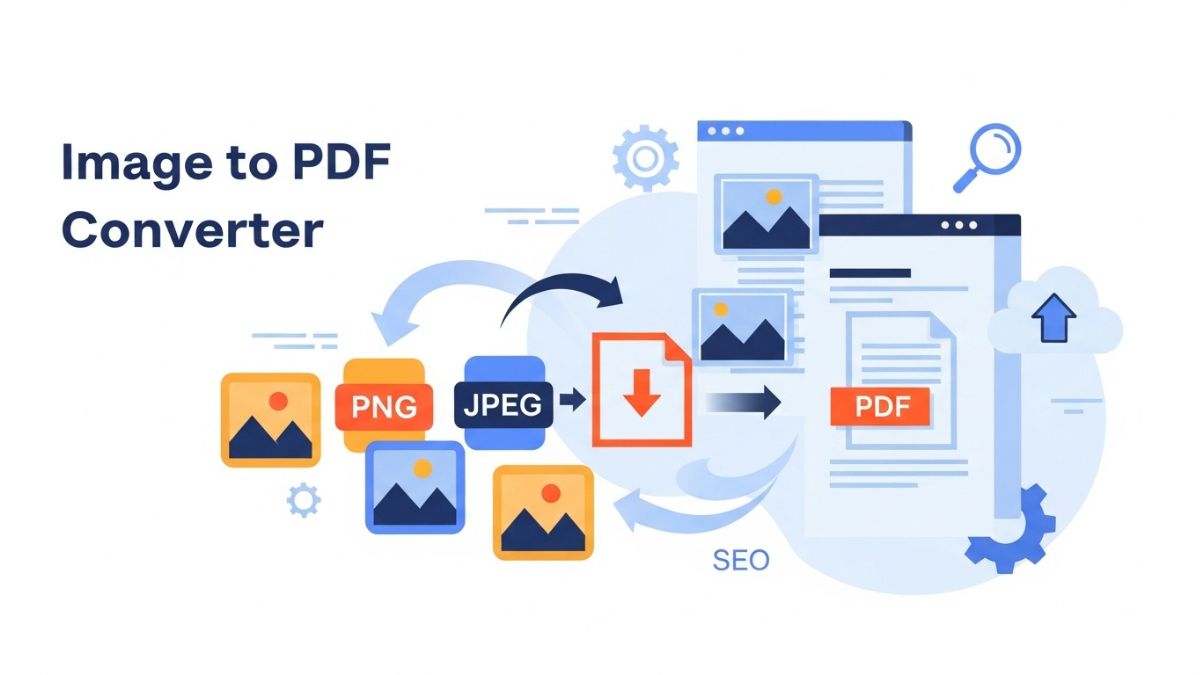
In this internet-driven digital world, sharing images is common, but when it comes to converting them into a professional document type, the PDF format is the best choice. My converter tool is a powerful and easy-to-use tool that easily converts your JPG, PNG, and other image files into high-quality PDF documents. Whether you're a student, a professional, or just want to manage your photos easily, consider this tool made for you. This online pdf tool gives you the ability to convert your image to pdf like jpg to pdf, png to pdf for free with advanced pdf options.
This online Image to PDF converter tool is completely free and doesn't require any software installation. The best part about this tool is that all your images are processed in your browser, ensuring your privacy and security. This converts your images to PDF in just one click, and we don't upload any of your files to our servers.
How to use online Image to PDF Converter Tool?
This PDF converter tool is very easy to use, just follow the steps given below.:
- Step 1: Upload Your Image
You can select images from your computer by clicking the "Drag & drop images" area, or you can drag and drop them directly into the area. You can upload a large number of images at once. - Step 2: Images ko arrange karein
After the images are uploaded, you'll see a preview of all the images above. Here, you can change the order of each image by dragging it. You'll also find the cross option at the top right to rotate or delete each image by 90 degrees, so your final PDF looks exactly how you want it. - Step 3: PDF Options Customize Karein (Only For Desktop Users)
If you're using this tool on a computer, you'll find some advanced options. You can choose page orientation (Portrait or Landscape), page size (A4, Letter, or Legal), and margins (No, Small, or Large). I've kept these options simple for mobile users to maintain speed. - Step 4: Convert to PDF and download
Once you're happy with all the settings, simply click the "Convert to PDF" button. The tool will process your images after uploading them and generate a download button within seconds. Click on it to download your PDF file.
Why should you choose this Image to PDF converter?
There are many tools available on the internet, but my tools provide you with some unique features:
- Completely Free: There are no hidden charges or subscriptions, and you can even convert animated images to PDF.
- Secure and Private: Your files stay on your device and are never uploaded to the server, because I take privacy seriously.
- Easy-to-understand Interface: Clean and simple design that even a new user can easily use.
- Fast Processing: Client-side technology makes the conversion process very fast.
- High Quality Output: With this tool, I ensure that the quality of your images remains intact while creating PDFs.
Frequently Asked Questions (FAQs)
Can I use this tool for free?
Yes, you can use this tool 100% free. You can convert as many images to PDF as you want without any limit.
Is uploading my images safe?
Absolutely. Your images are not uploaded anywhere. The entire image-to-PDF converting process, from image upload to PDF creation, takes place within your browser, so your files remain completely secure and private.
Can I use it on mobile?
Yes, my tool is fully responsive and works well on mobile, tablet, and desktop. I've simplified its interface for a better mobile experience.
Which image formats are supported?
This tool supports all major image formats, including JPG, JPEG, PNG, and other image formats, making it easy to convert to PDF.